
Scams Lesson - Additional Information
Download
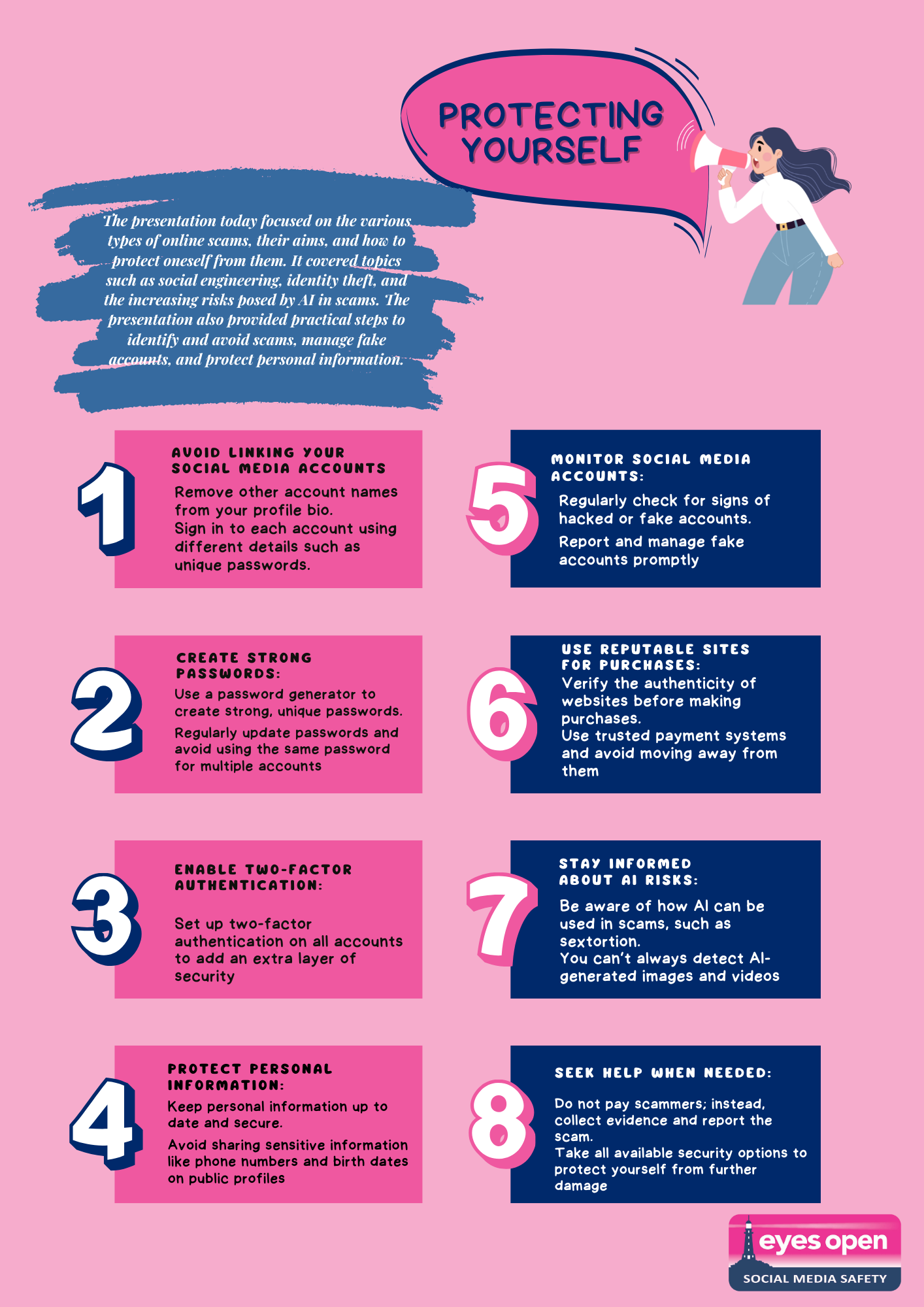
Checklist of steps you can take to better protect yourself
Today’s presentation focused on the various types of online scams, their aims, and how to protect oneself from them. It covered topics such as social engineering, identity theft, and the increasing risks posed by AI in scams. The presentation also provided practical steps to identify and avoid scams, manage fake accounts, and protect personal information. Click here to download a copy of steps you can take to better protect yourself.
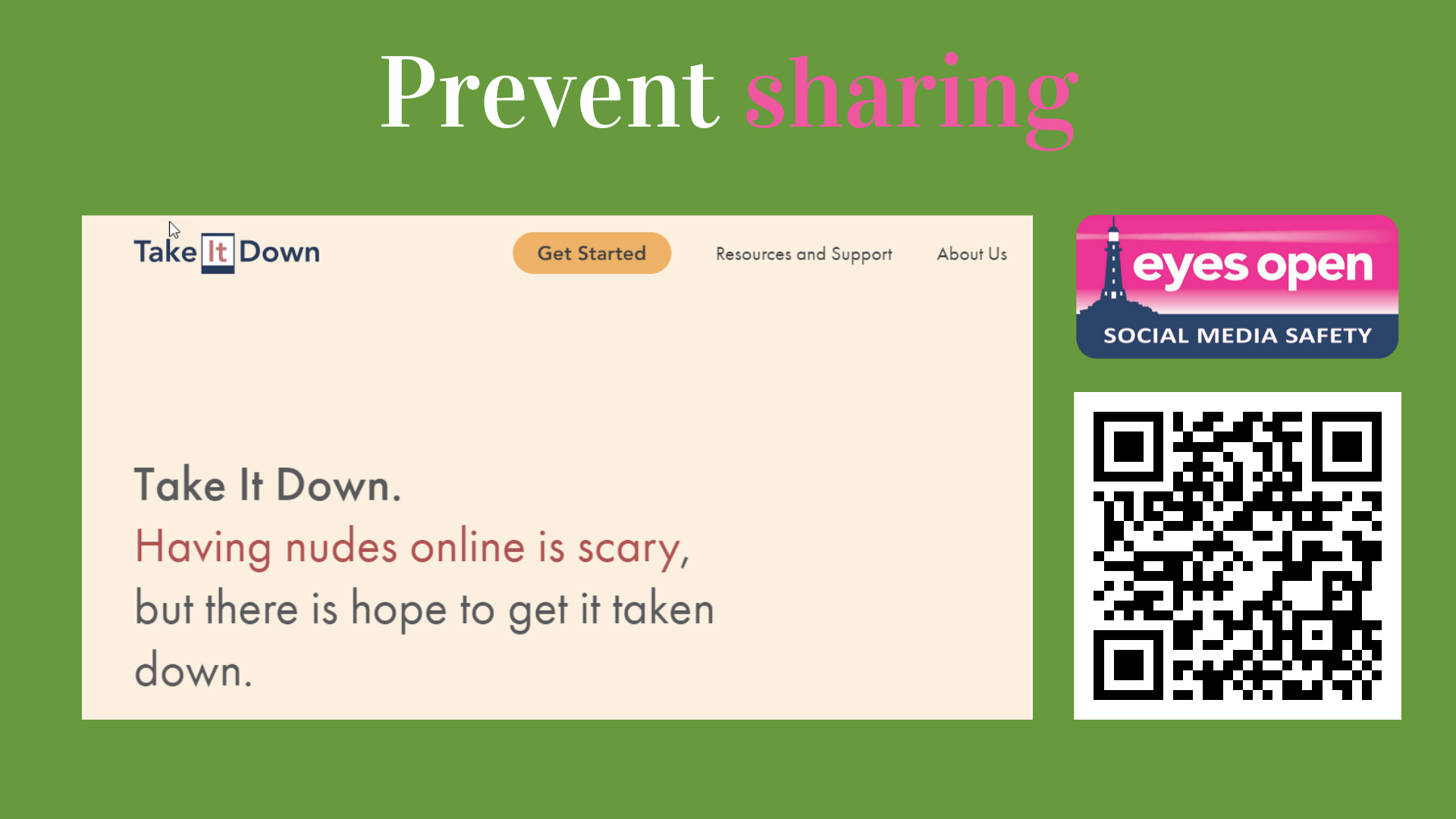
Prevent non-consensual sharing
Of your intimate images
Take it down can help to get images and videos of you taken down from some social media sites.
Helplines
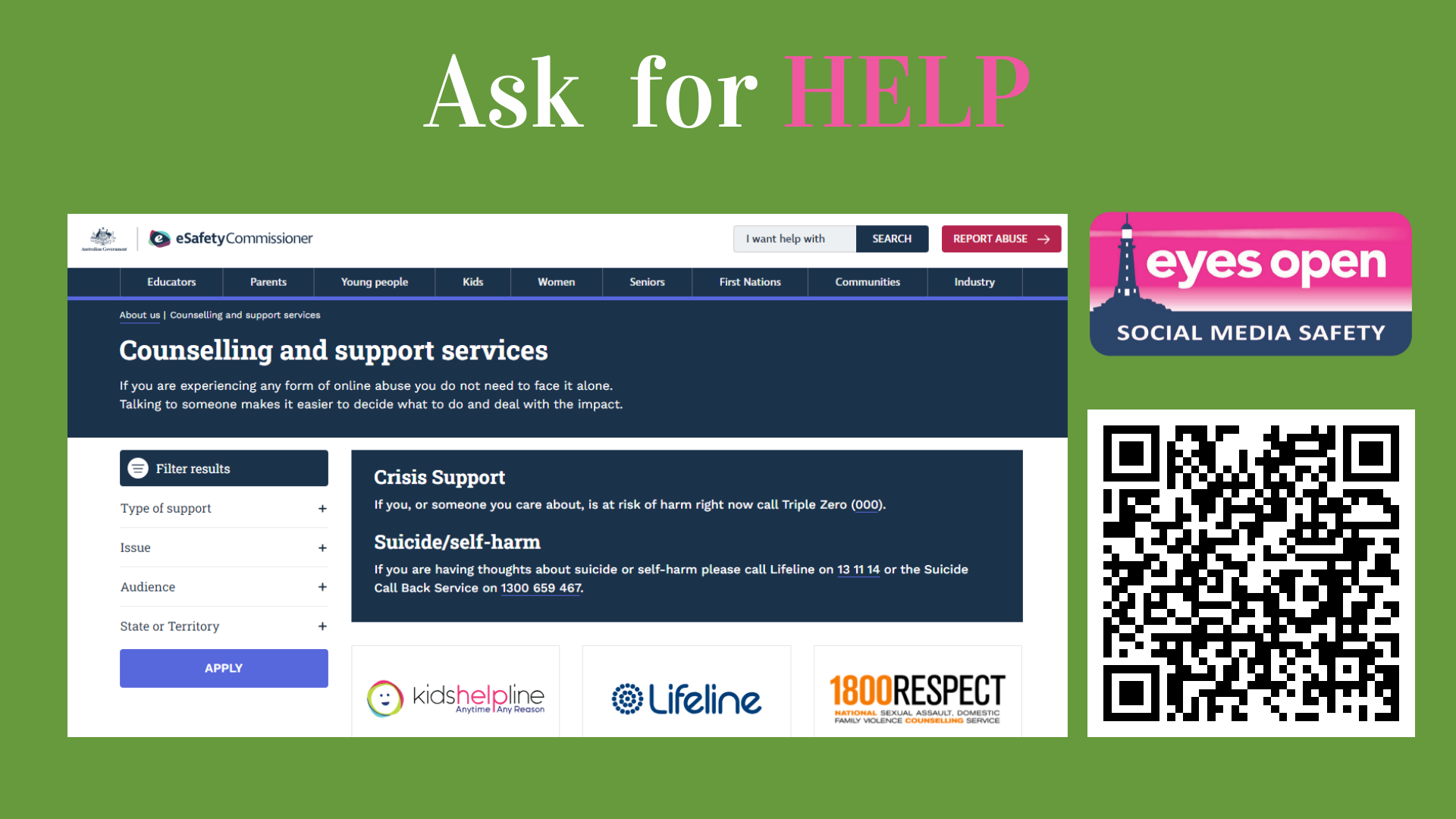
Reach out to talk to someone
eSafety have a number of different contacts for you to call if you need help.
Signing up for Microsoft Authenticator
Authentication app
You MUST back up your authentication app to ensure that your codes aren’t lost if you lose your phone.
To back up your account you need to sign into a microsoft account. If you don’t have a microsoft account, use this video to sign up.
Adding Microsoft Authenticator
And backing it up
When you add an authentication app to your phone, you must make sure it is backing up to the cloud to ensure you don’t lose your codes if you lose, break or change phones.
This video shows how to back up your app.
Recovering your codes
On a new phone
When you get a new phone, you can use this video to see how to recover your codes from your cloud backup.
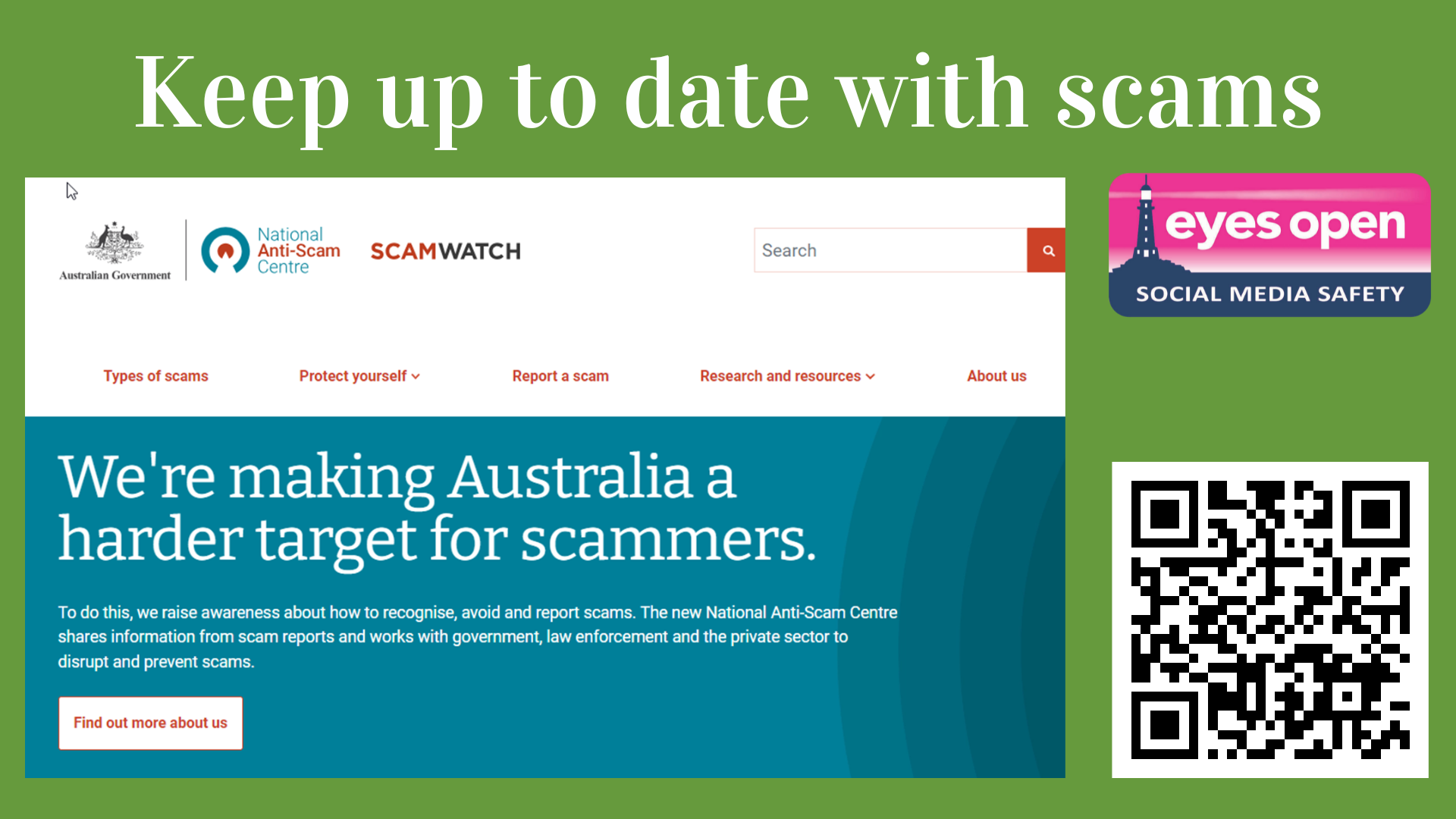
Scamwatch
You can keep up to date with current scams in Australia at Scamwatch.

Reporting to ACCCE
For sextortion of people under 18 years of age.
You can report people trying to blackmail you for intimate images at ACCCE.
Prevent non-consensual sharing
Of your intimate images
Take it down can help to get images and videos of you taken down from some social media sites.
Helplines
Reach out to talk to someone
eSafety have a number of different contacts for you to call if you need help.
Signing up for Microsoft Authenticator
Authentication app
You MUST back up your authentication app to ensure that your codes aren’t lost if you lose your phone.
To back up your account you need to sign into a microsoft account. If you don’t have a microsoft account, use this video to sign up.
Adding Microsoft Authenticator
And backing it up
When you add an authentication app to your phone, you must make sure it is backing up to the cloud to ensure you don’t lose your codes if you lose, break or change phones.
This video shows how to back up your app.
Recovering your codes
On a new phone
When you get a new phone, you can use this video to see how to recover your codes from your cloud backup.
© Eyes Open Social Media 2023 | Privacy Policy | Terms & Conditions